Skip to content
Vidimost
Security Systems & Networking
Paxton · Comparison Guide

Paxton Readers Compared — Net2, Paxton10, and When to Use HID Signo Instead

Paxton's reader catalog splits across two product lines that don't talk to each other — Net2 / Switch2 (legacy, Wiegand) and Paxton10 (cloud, proprietary).

Paxton's been kicking around Chicago commercial access since before half the condos we install in were even built — the Net2 line goes back to the early 2000s, Paxton10 came along around 2018 as the cloud-managed successor. We've put plenty of both in around the city. But here's the part that surprises most customers: on a typical Chicago install we usually pair the Paxton controller with HID Signo readers in Wiegand mode rather than Paxton's own readers. More on that toward the end. First let's walk through what Paxton actually makes, because the lineup matters even if you end up going the HID Signo route — and like the Bears, Paxton's been rebuilding since the '80s, but unlike the Bears, the rebuild is actually working.

Two product lines — they don't share readers

The single most important thing to understand about Paxton's reader catalog: Net2 readers and Paxton10 readers are not interchangeable. Different protocols, different connector pinouts, different software back-ends. Pick the line at the controller stage and the reader has to match. Migrating from one line to the other later means replacing every reader along with the controllers — plan for it.

Legacy Line · Foundation

Paxton Net2 / Switch2

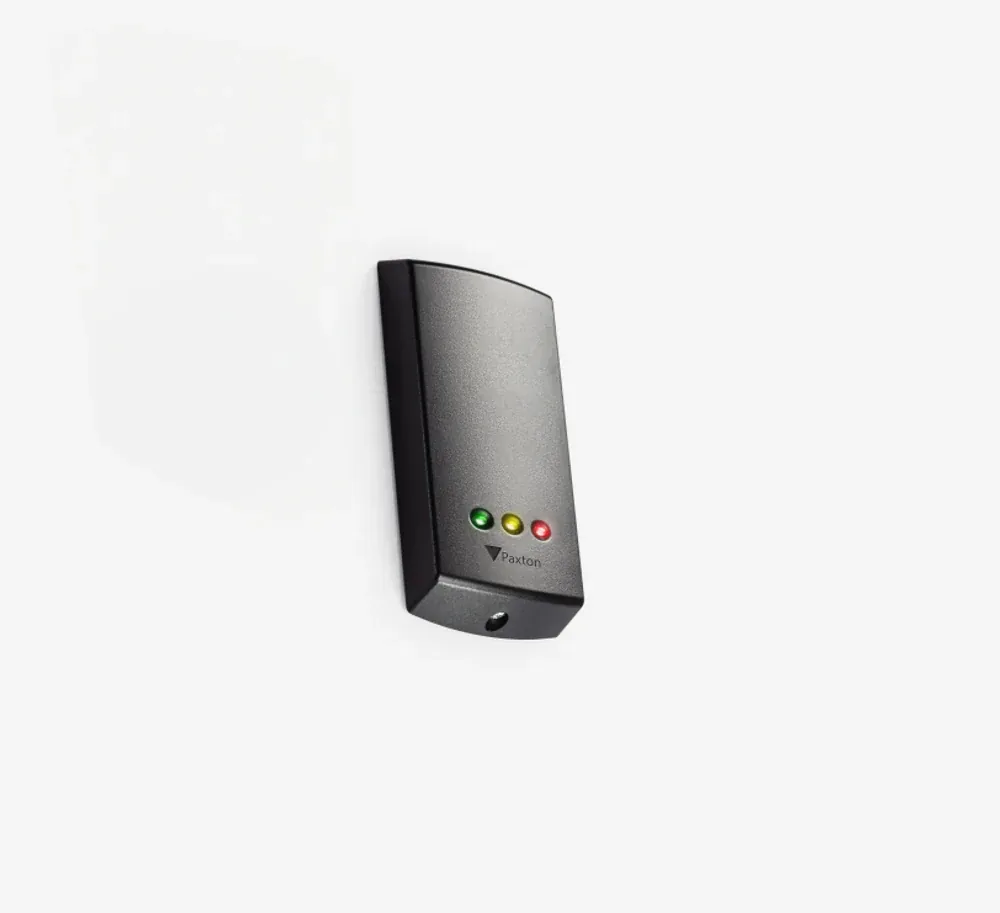
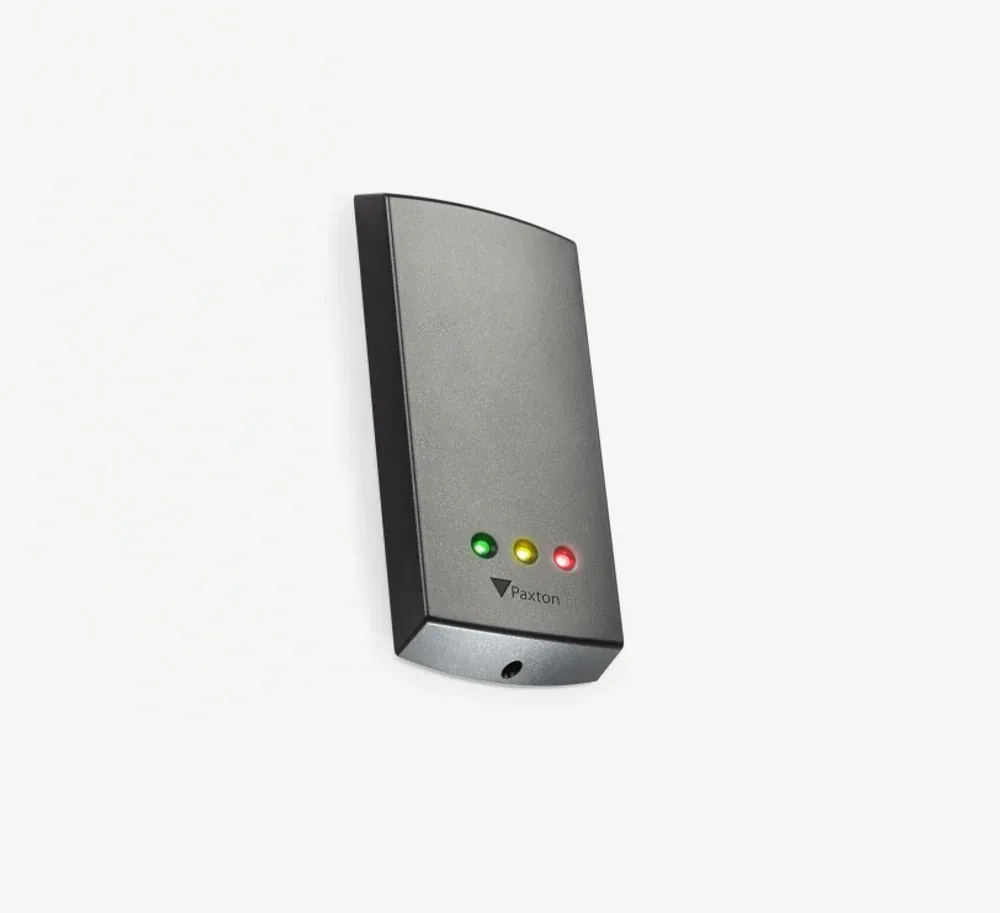
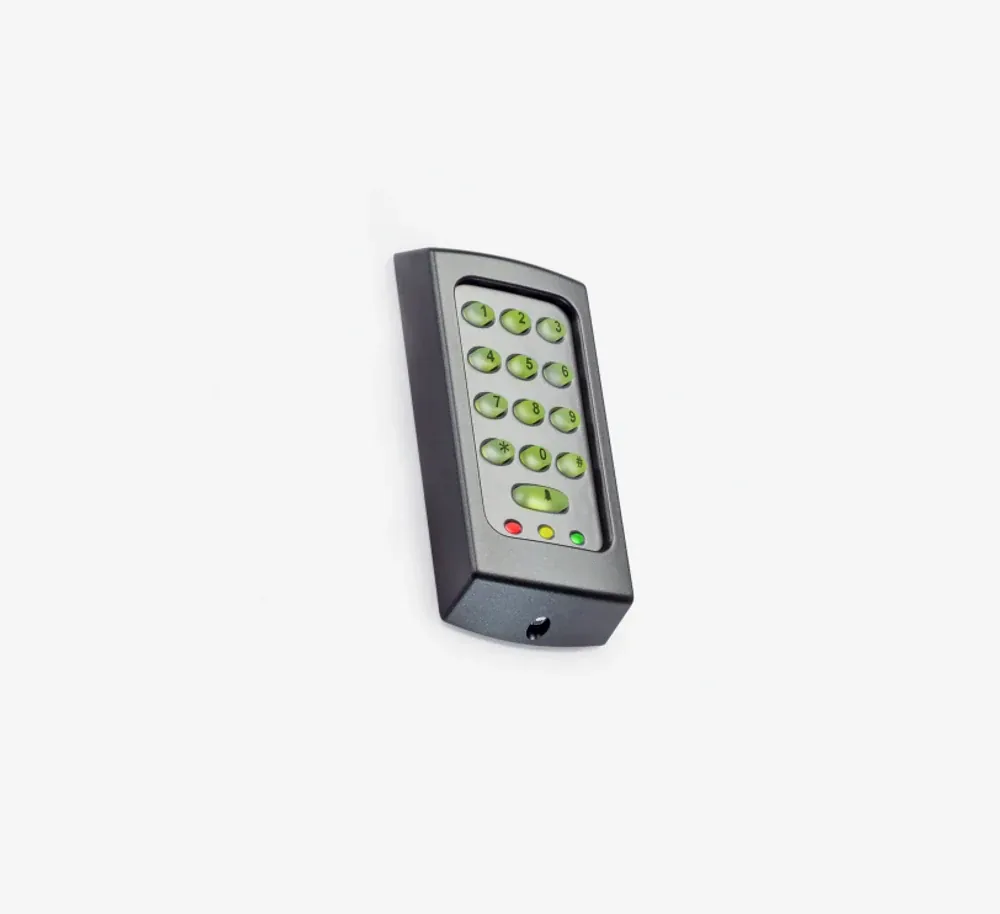
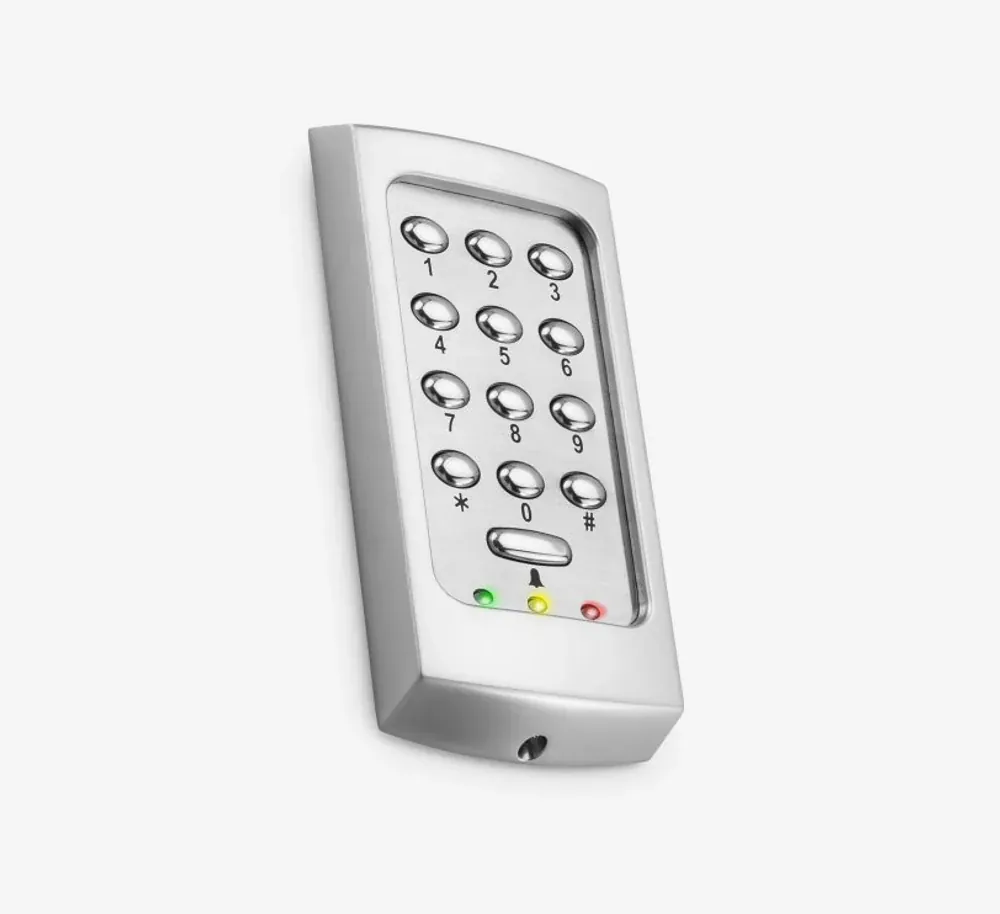
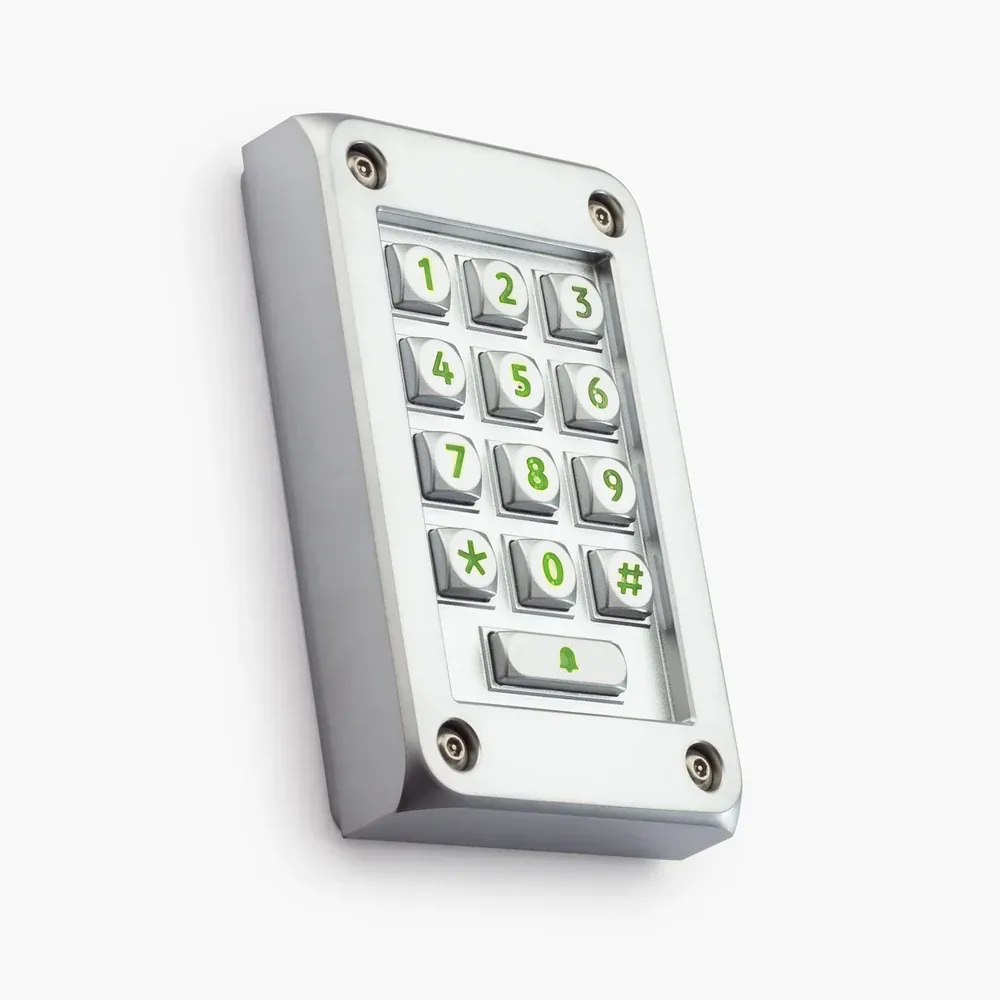
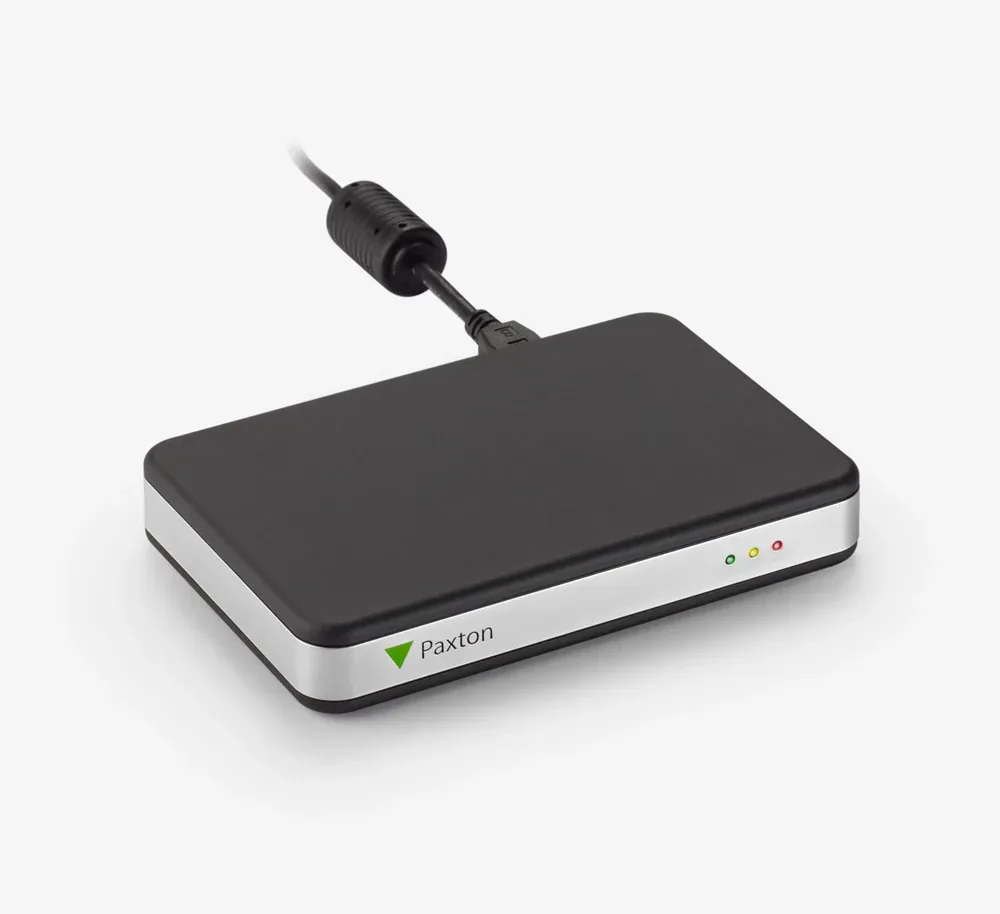
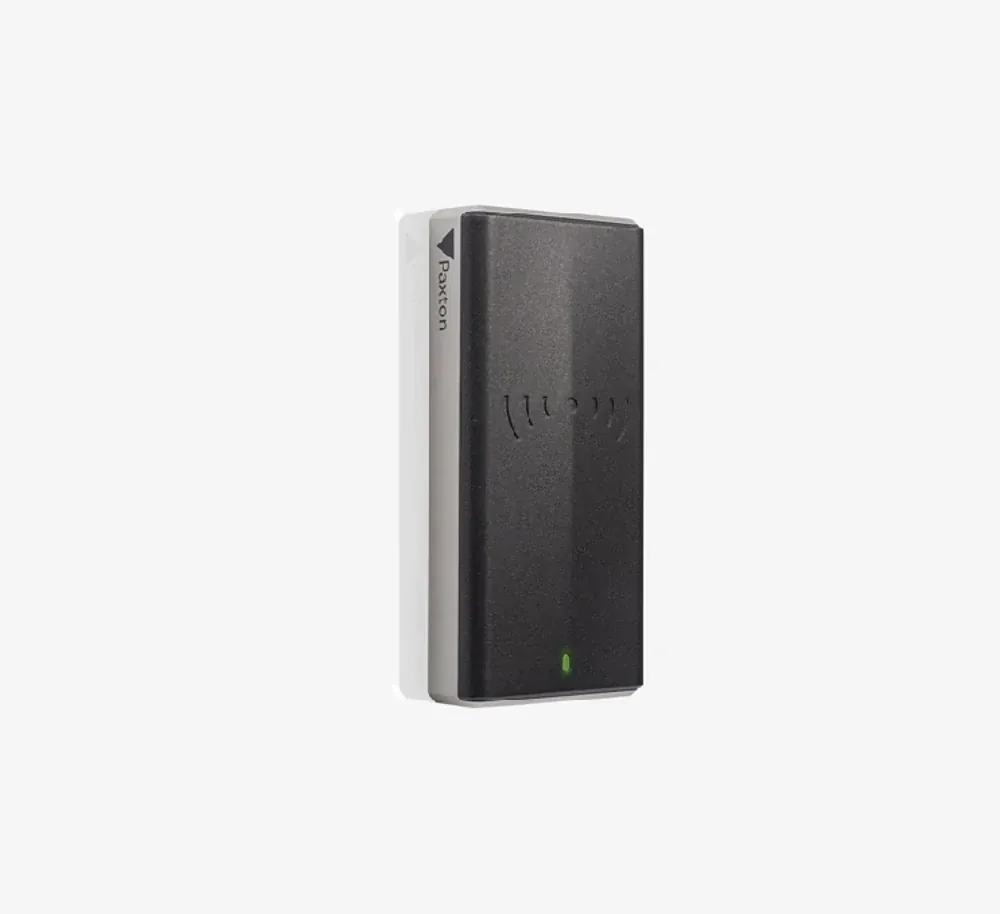
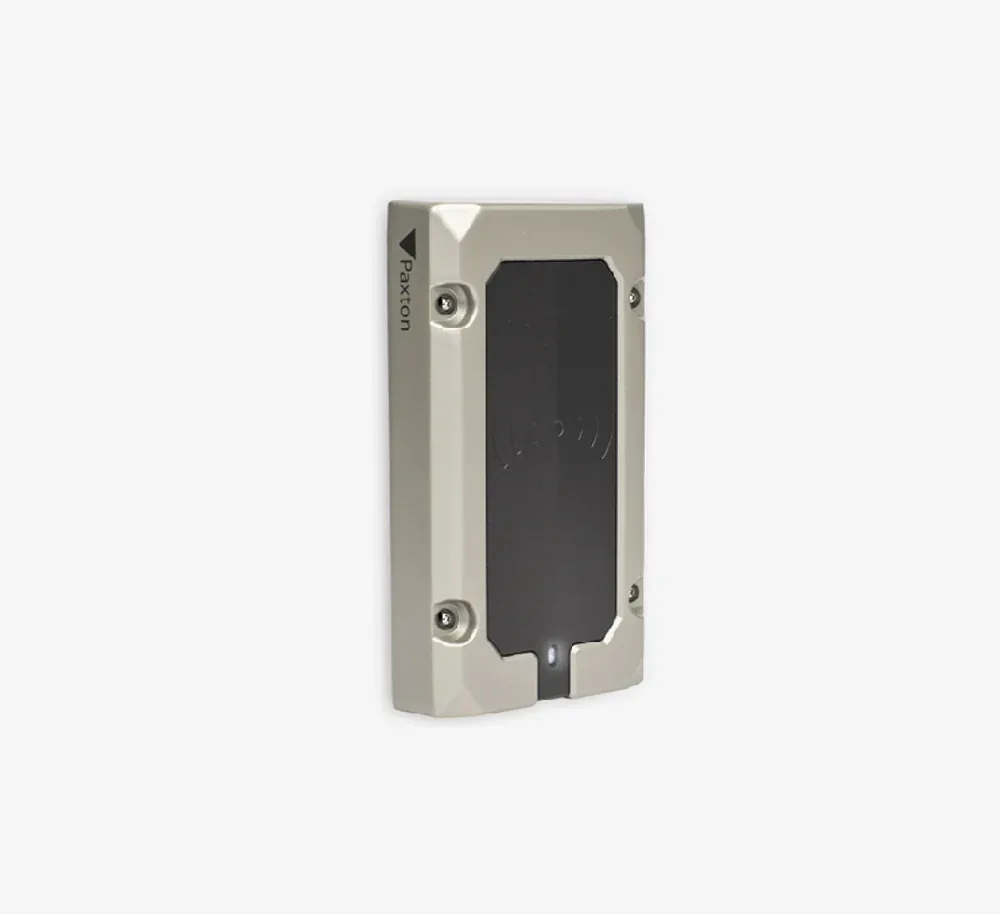
On-prem server software, Wiegand and clock-and-data protocols. Massive installed base in Chicago condos and offices since the early 2000s. Reader catalog: P38 / P50 / P75 (proximity), KP50 / KP75 (keypad), TouchLock (standalone keypad), Net2 EX Desktop (enrollment). Controller: Paxton Net2 Plus — the foundation of every Net2 install around here.

Modern Line · Cloud-Managed

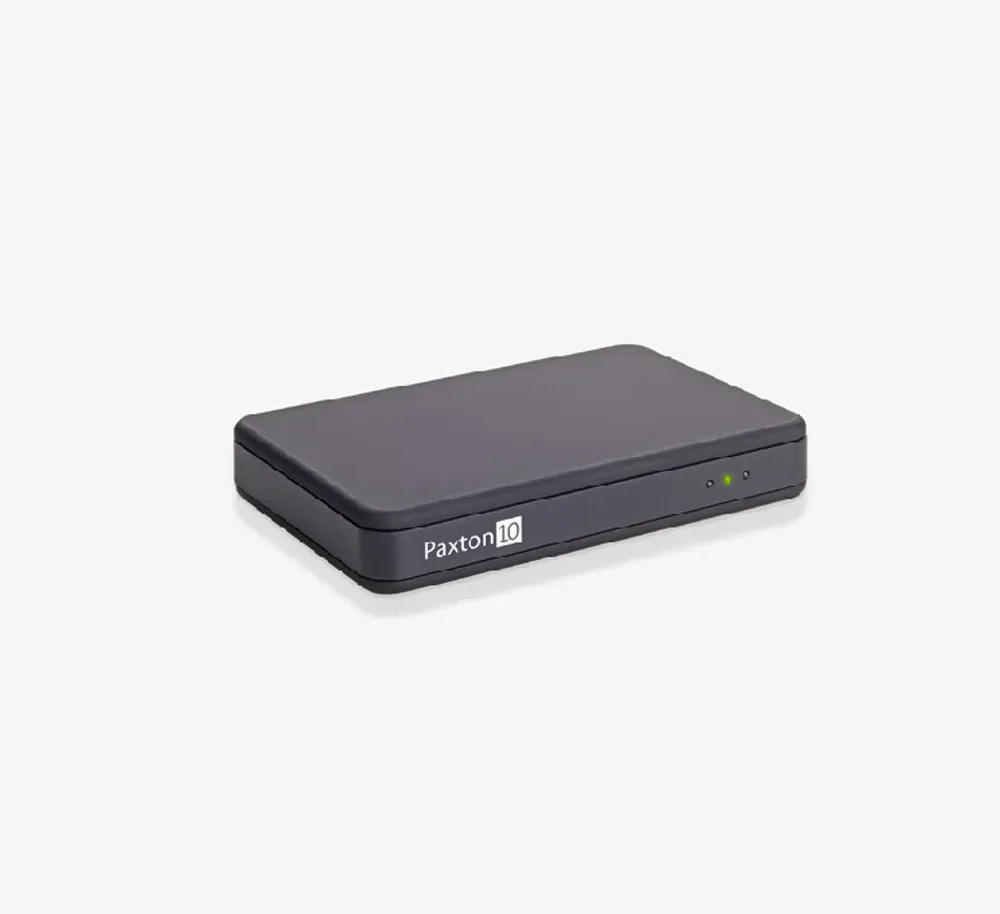
Paxton10

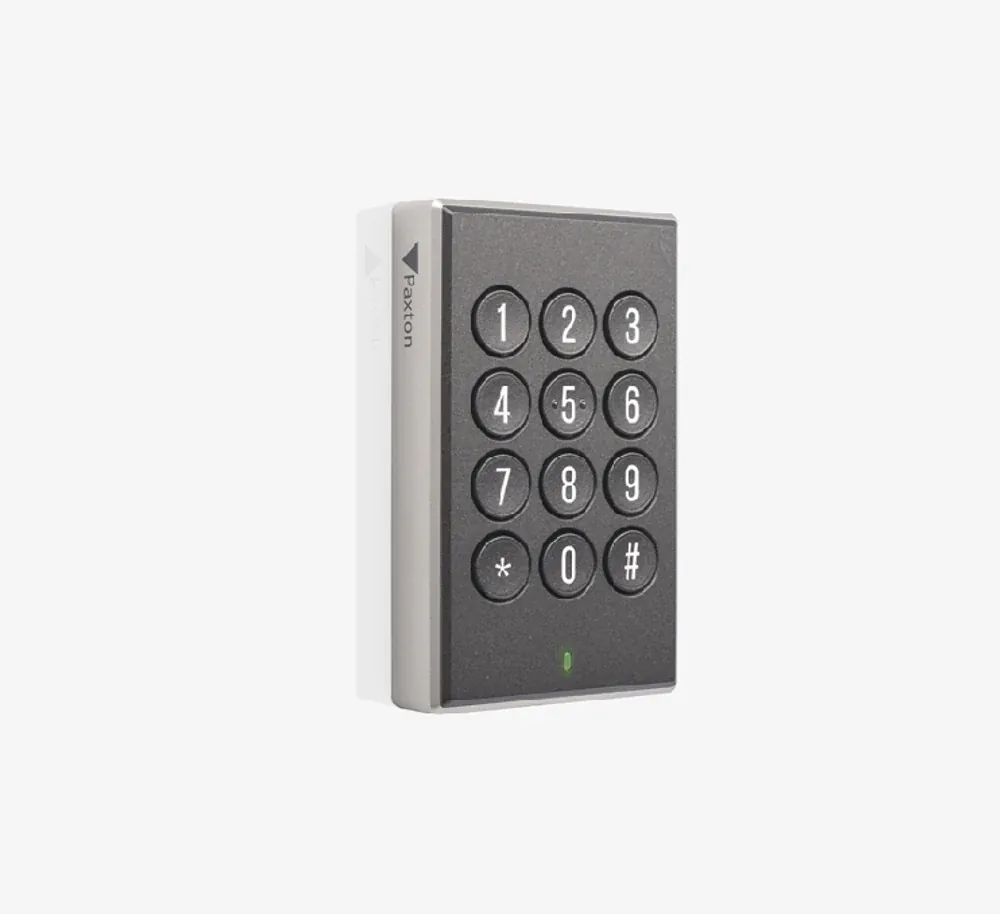
Cloud-managed, mobile-app first, proprietary smart-credential protocol. Launched around 2018 as Net2's successor. Reader catalog: Slimline (mullion), VR (vandal-resistant), Keypad, Desktop (enrollment). Smaller and tighter lineup than Net2, because Paxton10 readers are protocol-locked to Paxton10 controllers — no cross-platform story at all.

What every Paxton reader shares

Across both product lines, the readers do share a few things. Worth listing because it's where Paxton actually competes well against the rest of the market.

  • 5-year manufacturer warranty

    Industry-leading. Most commercial reader manufacturers cap warranty at 2-3 years. Paxton's 5-year window is real and they honor it.

  • Survives Chicago weather

    Both lines weatherproof outdoor variants (P75 metal on Net2, VR Reader on Paxton10) — built to handle lake-effect snow, salt spray, and the polar vortex weeks where the windchill drops below -20°F.

  • Standard tamper switch + audible / visual feedback

    Tamper switch reports if the reader is pried off the wall. LED + beep on every read event — good for troubleshooting from across a lobby.

  • Simple wiring

    Net2 line is standard Wiegand or clock-and-data — installers around since the early 2000s know it cold. Paxton10 is proprietary but the cable spec is published, no exotic connectors.

  • Networked back to one controller architecture

    Net2 controllers handle multiple doors per board, Paxton10 the same. You're not running individual reader controllers per door — saves rack space, simplifies wiring.

Net2 / Switch2 reader lineup

Seven readers across proximity (P38, P50, P75), proximity + keypad (KP50, KP75 MIFARE), standalone keypad (TouchLock), and desktop enrollment (Net2 EX Desktop). All wire back to a Paxton Net2 Plus controller — that's the foundation of any Net2 install.

The Net2 Plus controller is the heart of any Net2 install

Worth saying out loud: readers don't work in isolation. Every Net2 reader — P38, P50, P75, KP50, KP75, TouchLock — wires back to a Paxton Net2 Plus controller. The controller handles credential validation, door logic, time schedules, holiday rules, network communication back to the Net2 server software. If you're planning a Net2 install, you're really planning a Net2 Plus controller install — readers are just what you see at each door.

The Net2 Plus controller has been around forever (in commercial access years), has been refined across hardware revisions, and basically does what it's supposed to do without drama. Around here we've installed dozens of these in Chicago condos and offices, and the failure rate is honestly pretty boring — they just keep running. Set it up right once, walk away.

Our actual recommendation

Why we usually run Paxton with HID Signo in Wiegand mode

Look — we been installing Paxton controllers around Chicago for years, and we'll tell ya straight: when a customer comes to us with a Paxton install, we usually steer them toward HID Signo readers running in Wiegand mode rather than Paxton's own readers on a Net2 system. Couple of reasons that show up over and over.

  1. 1. HID Signo is the universal reader of commercial access right now

    Works with Paxton (Wiegand), Brivo, Genetec, Lenel, Software House, basically every controller line. If your customer ever migrates off Paxton in 5 years — and around Chicago that happens, board members change, IT directors change, whole platforms get rebid — the HID Signo readers stay on the wall and just get re-pointed to the new controller. With Paxton's own readers you're throwing them out the day you switch.

  2. 2. Broader lineup, including PIV / federal-grade variants

    The HID Signo catalog covers Signo 20 (mullion), Signo 40 (standard / single-gang), Signo 20K + 40K-PIV (keypad versions), Signo 40T (touchscreen), and PIV-grade variants 20-PIV / 40-PIV for federal contractors and banking sensitive-area doors. Paxton doesn't make a PIV reader at all — full stop. If the customer's site has any federal or regulated-compliance overlap, HID Signo isn't just preferred, it's required.

  3. 3. The keypad story is genuinely better

    HID Signo's keypad-equipped readers ([20K](/products/access-control/readers-and-keypads/hid-signo-20k/) and [40K-PIV](/products/access-control/readers-and-keypads/hid-signo-40k-piv/)) integrate cleanly into Paxton's Wiegand input — you punch the PIN, the reader sends the credential and the PIN string to the Net2 controller as a combined event. Works identically to a Paxton KP50 / KP75 from the Net2 software side. Quality of construction is, honestly, noticeably better — and the touch response works through gloves, which matters in February when the windchill is doing its thing and you can't feel your fingers walking from the Bean over to the Mag Mile.

  4. 4. There's a reason nobody puts ketchup on a Chicago dog

    And there's a reason we don't put Paxton's own readers on every install. Both ruin something that was working fine. Paxton's controllers are excellent — Net2 Plus has been bulletproof for two decades, the software is mature and stable, the cloud-side Paxton10 has caught up nicely. But the reader hardware market shifted, and HID Signo became the universal standard while nobody was paying attention. Pairing a great controller with the universal reader is just better engineering than locking yourself into a single-vendor stack.

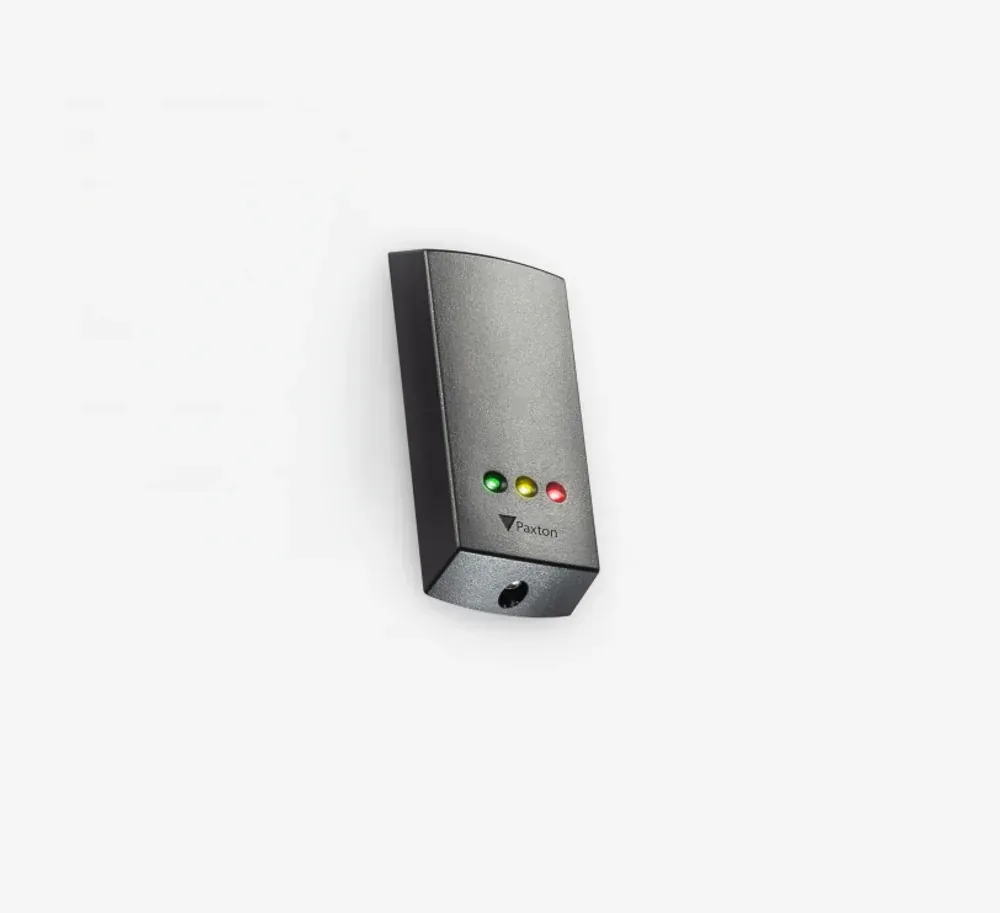
When we DO install Paxton's own readers: on Paxton10 systems (no choice — proprietary protocol, has to be Paxton10 readers), or on small budget Net2 installs where the customer wants the simplest possible bill of materials and is unlikely to ever migrate platforms. For everything else — the typical Chicago condo, office building, HOA install — HID Signo on a Net2 Plus controller is the spec we write.

Paxton in Chicago — what we typically install

Around Chicago, Paxton shows up in a few specific kinds of installs and we've gotten a feel for which configuration fits which kind of building.

Mid-size condo buildings (20-80 units), greenfield or rebuild

Net2 Plus controller + HID Signo readers in Wiegand mode. The condo board gets the proven Net2 software stack they've heard about from neighboring buildings, plus the future-proof reader hardware that won't get thrown out if they switch platforms in 10 years. Standard pattern in Lakeview, Lincoln Park, Edgewater.

Small commercial buildings looking for cloud-managed access

Paxton10 with its own readers (no choice on the readers — Paxton10 is locked to Paxton10 readers). For small offices that want a Brivo-style cloud experience but at a lower entry price point. Common in West Loop, River North, Fulton Market loft conversions.

Existing Paxton installs that need to expand

We never rip-and-replace working Paxton hardware. If you already got Net2 Plus running and just need to add a few doors — we add Net2 readers (or HID Signo on Wiegand) to the existing controller. Same software, same credentials, no disruption. This is the most common Paxton scenario we see, honestly.

Frequently asked questions

What's the difference between Net2 and Paxton10?

Net2 is Paxton's legacy line — on-prem server / software, Wiegand and clock-and-data protocols, deeply established in commercial access since the early 2000s. Massive installed base in Chicago condos and offices. Paxton10 is the newer line launched around 2018 — cloud-managed, proprietary smart-credential protocol, mobile-app first. The reader catalogs don't overlap (different protocols, different connector pinouts, different software back-end). Pick the line at the controller stage — once you've picked, the reader has to match.

Which Paxton reader is the most popular?

On Net2, the P50 standard single-gang proximity reader is the default install — covers most commercial doors. The metal-bodied P75 wins outdoor and vandal-exposed positions. On Paxton10, the Slimline and Vandal-Resistant cover most positions between them.

Do Paxton readers work with non-Paxton controllers?

Net2 readers (P38, P50, P75, KP50, KP75) speak Wiegand or Paxton's clock-and-data and will theoretically work with any controller that accepts those protocols. Paxton10 readers speak a proprietary Paxton protocol and basically only work on Paxton10 controllers — they aren't a cross-platform option. For genuinely brand-agnostic readers that pair cleanly with Paxton or anything else, see HID Signo (covered below).

What controller do Paxton readers connect to?

Net2 readers go into the Paxton Net2 Plus controller — the foundation of every Net2 install, handles up to 2 doors per board, networked via Ethernet back to the central Net2 server software. Paxton10 readers go into the Paxton10 door controller. The controller-reader pairing is what defines which Paxton line you're on.

Can Net2 readers work with new Paxton10 controllers (or vice versa)?

No. The two product lines are protocol-incompatible — Net2 readers won't talk to a Paxton10 controller, Paxton10 readers won't talk to a Net2 board. If you're migrating from Net2 to Paxton10, you're replacing readers along with the controllers. Plan for it in the project budget.

Do you install Paxton in Chicago?

Yes. We been installing Paxton systems — both Net2 and Paxton10 — across Chicago commercial buildings for years. downtown Chicago (Loop, River North, Streeterville). Free site walkthrough and written quote.

Why do you usually recommend HID Signo over Paxton's own readers?

Three reasons: (1) HID Signo is the de-facto universal reader in commercial access right now — works on Paxton (Wiegand mode), Brivo, Genetec, Lenel, anything; (2) better re-sale and lock-in story — if the customer decides to move off Paxton in 5 years, the HID Signo readers stay on the wall; (3) HID Signo lineup is broader than Paxton's, including PIV-grade variants for federal / banking deployments that Paxton doesn't offer. Details in the recommendation section above.

Planning a Paxton install in Chicago?

Free site walkthrough — we'll spec the right controller (Net2 Plus vs Paxton10), the right reader strategy (Paxton's own vs HID Signo in Wiegand), and write up a fixed-price quote. Dozens of Paxton installs across Chicago HOAs, condos, and offices behind us. No contract, no pressure.