Brivo Smart Readers Compared — All 12 Models Explained
Brivo's reader lineup is small but precise — 6 models in 2 colors. Pick wrong and you'll regret it for the rest of the install.
Look — Brivo's the access platform we install most across Chicago. Every condo board from Streeterville to Lincoln Park to Wicker Park ends up on it eventually, mostly because no one on a board wants to babysit a server in the basement at 2 AM when somebody can't get into the parking garage. This guide walks through every Brivo Smart Reader: what they share (OSDP v2, Bluetooth, NFC, Mobile Pass, the lit Brivo logo indicator), where they differ (Mullion vs Single-Gang, Dual-Tech vs Tri-Tech, with or without keypad, black or white), and when to install Brivo's own readers vs going with HID Signo on a Brivo controller. I been doing this around Chicago long enough to have an opinion on most of it.
Before we pull the lineup apart, the things that are the same across all 12 readers. These are the features that define a "Brivo reader" — every model in the lineup has all of them.
OSDP v2 with Secure Channel encryption
Modern access protocol. Replaces legacy Wiegand. No clear-text credential traffic between reader and controller — encrypted end-to-end. Resistant to clip-and-clone attacks.
Brivo Mobile Pass (Bluetooth + NFC)
Resident's phone becomes their access credential. Enroll once via the building's Brivo Mobile Pass app, tap or wave at the reader to unlock. Works at lobby, common areas, garages, package rooms, gym, pool.
13.56 MHz Brivo smart cards (B-SC, B-SCP)
Encrypted smart card credential for residents and staff who don't use phones — modern, secure, not clonable like 125 kHz Prox.
Brivo B-SF KeyFobs
Same encryption as B-SC smart cards but in a keychain form factor for residents who prefer fobs over cards.
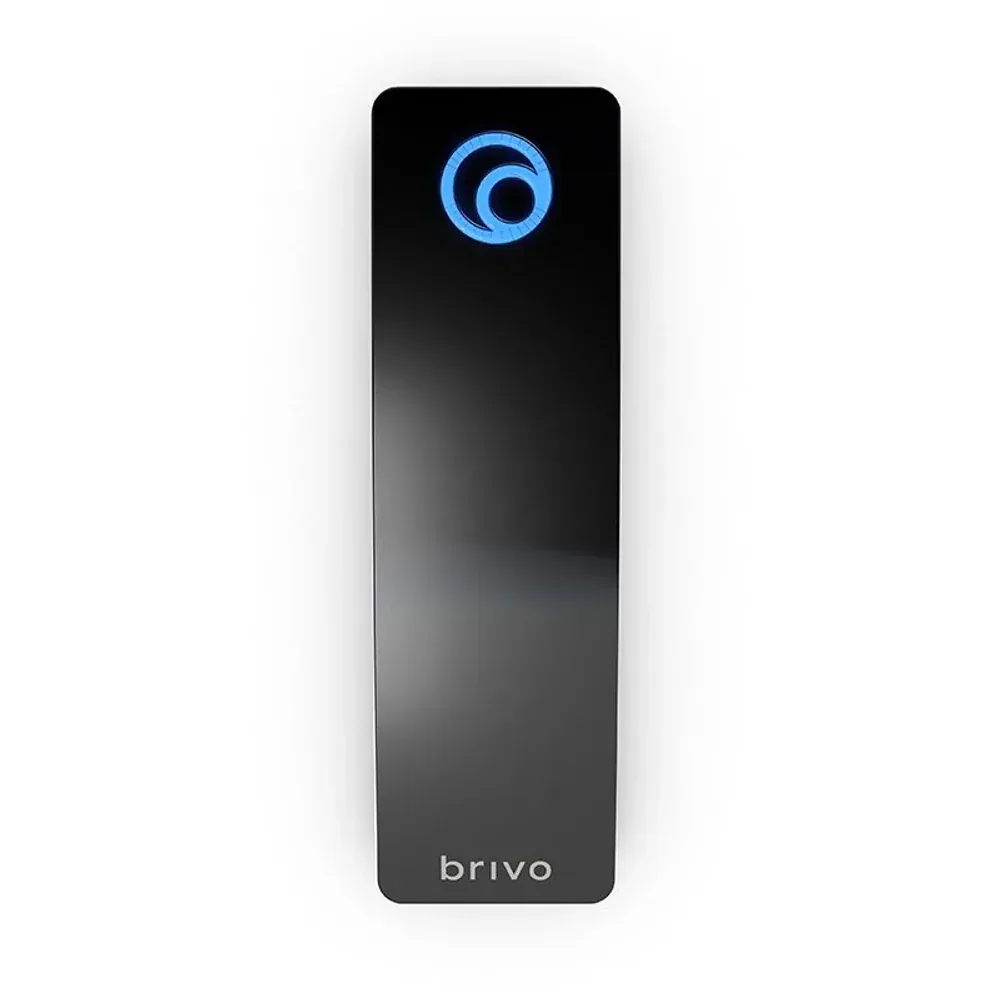
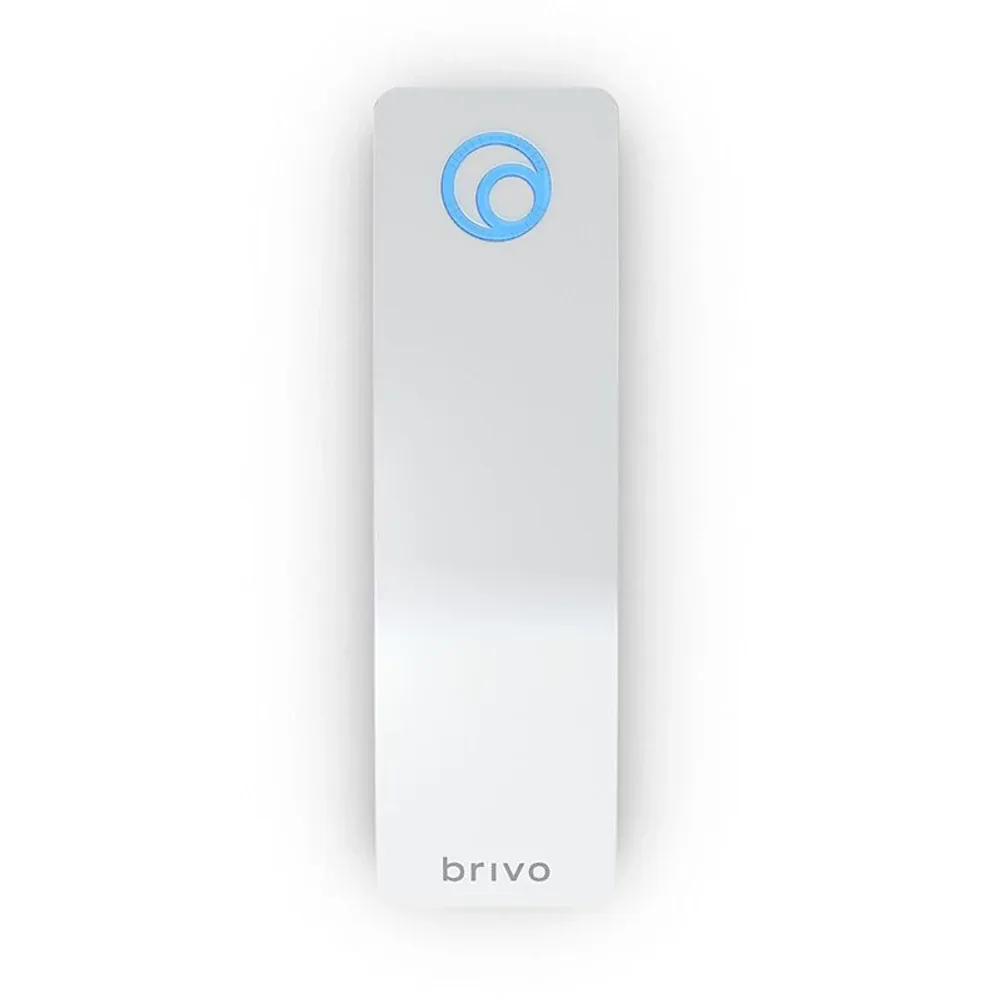
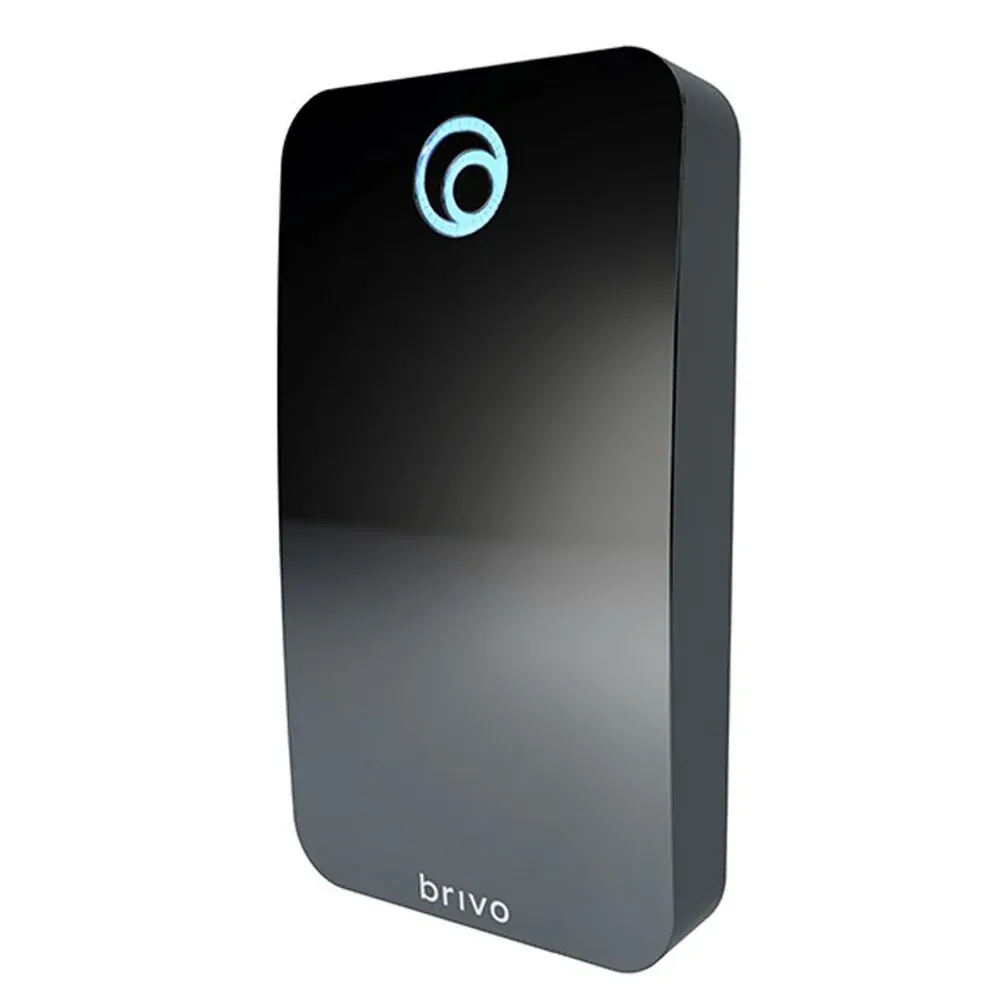
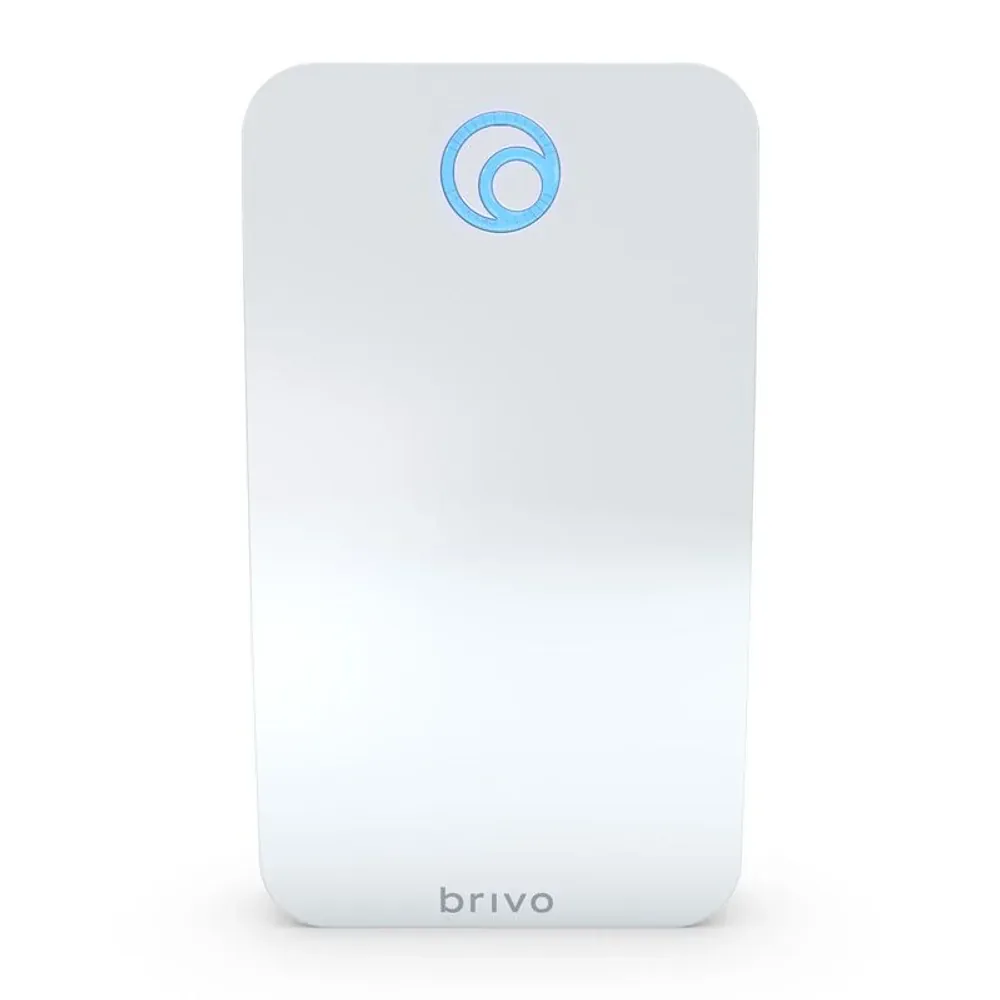
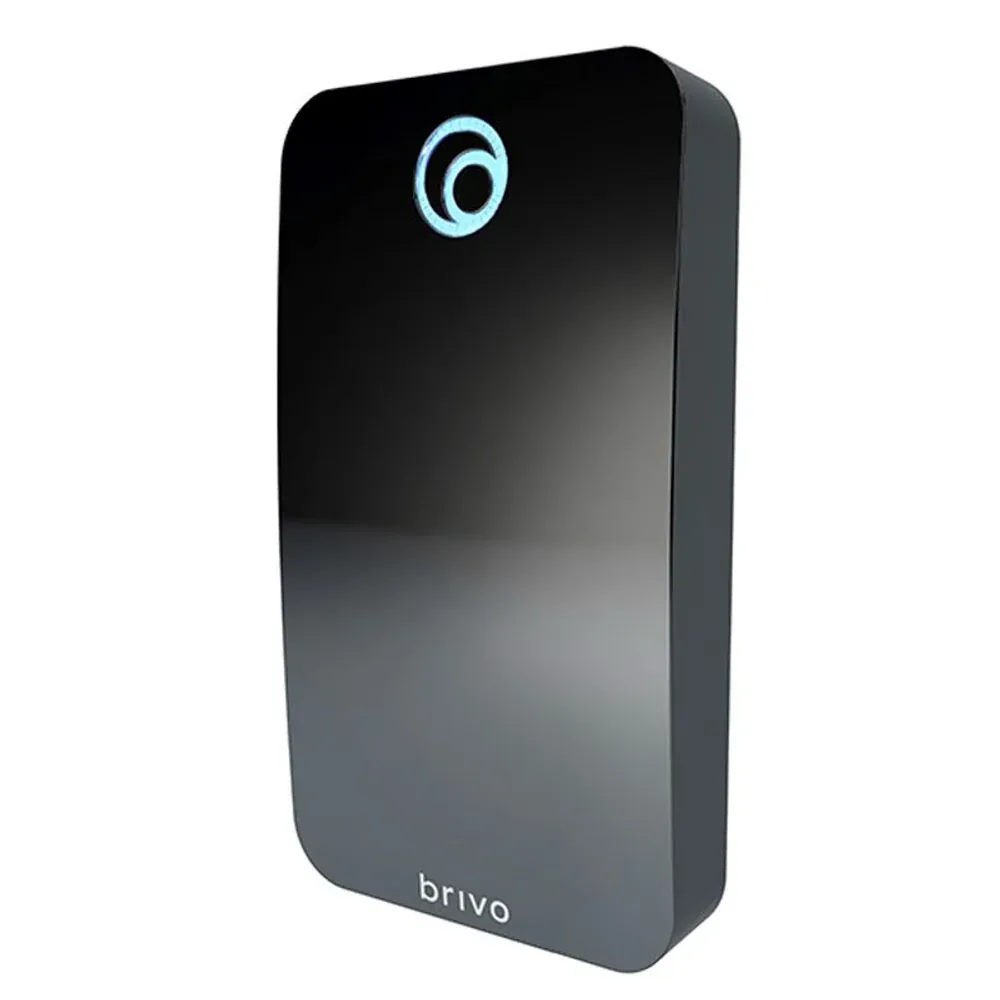
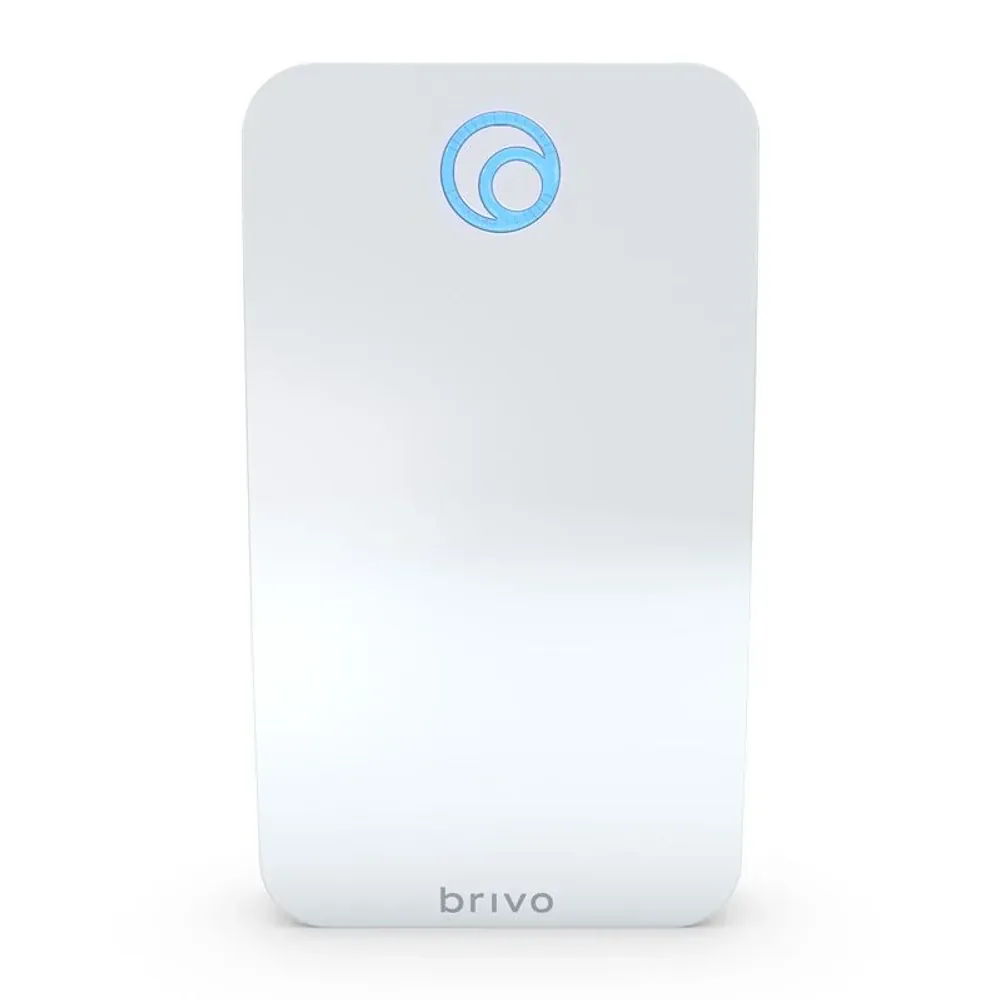
Lit Brivo logo indicator
The Brivo logo on the front face is the status LED — power state, read events, access granted / denied. Easy to see at a glance which doors are healthy on a walkthrough.
Tamper switch + IP65 weatherproof
Survives Chicago lake-effect winters and outdoor exposure. Tamper switch reports if anyone tries to pry the reader off the wall.
PoE OR 8–24 VDC input
Powers from the access controller's PoE-injected reader port OR from a separate door power supply — installer's choice depending on cable infrastructure.
Difference #1: Mullion vs Single-Gang
Brivo offers two physical form factors. They're not just aesthetic — each fits a specific kind of door.
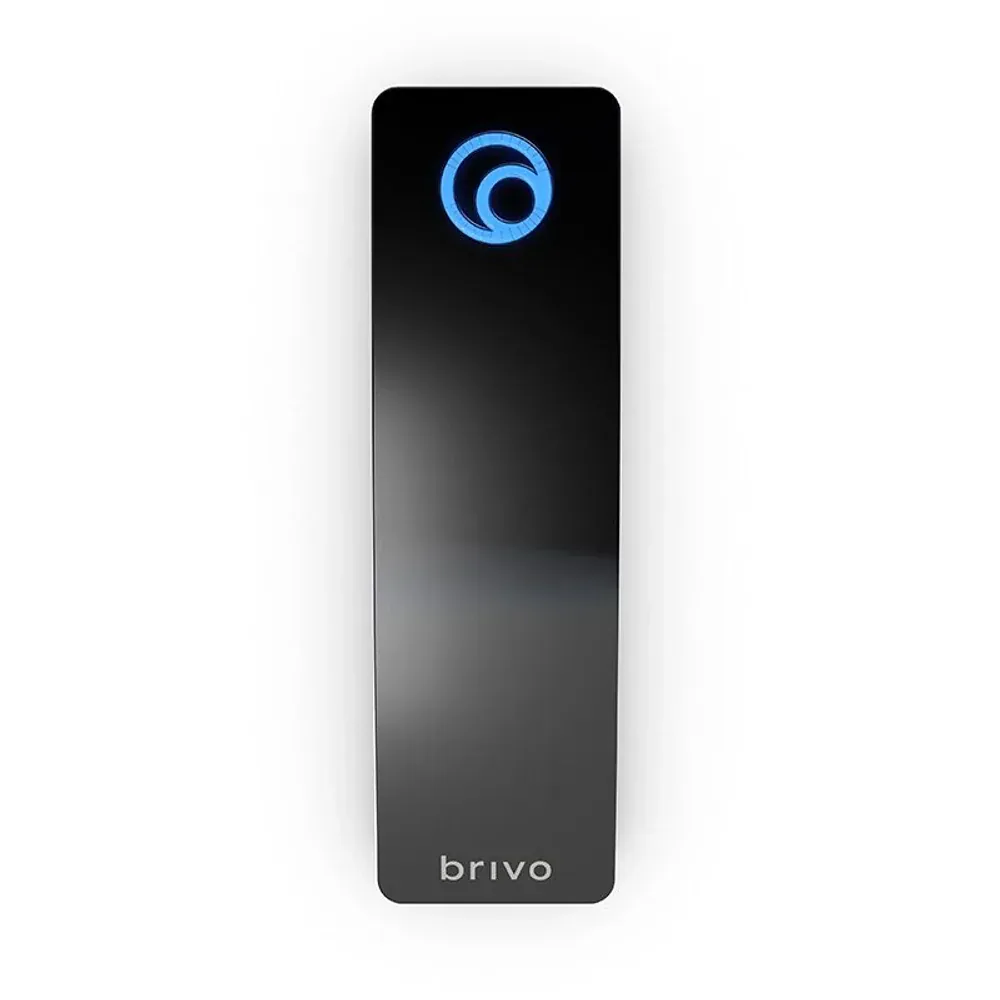
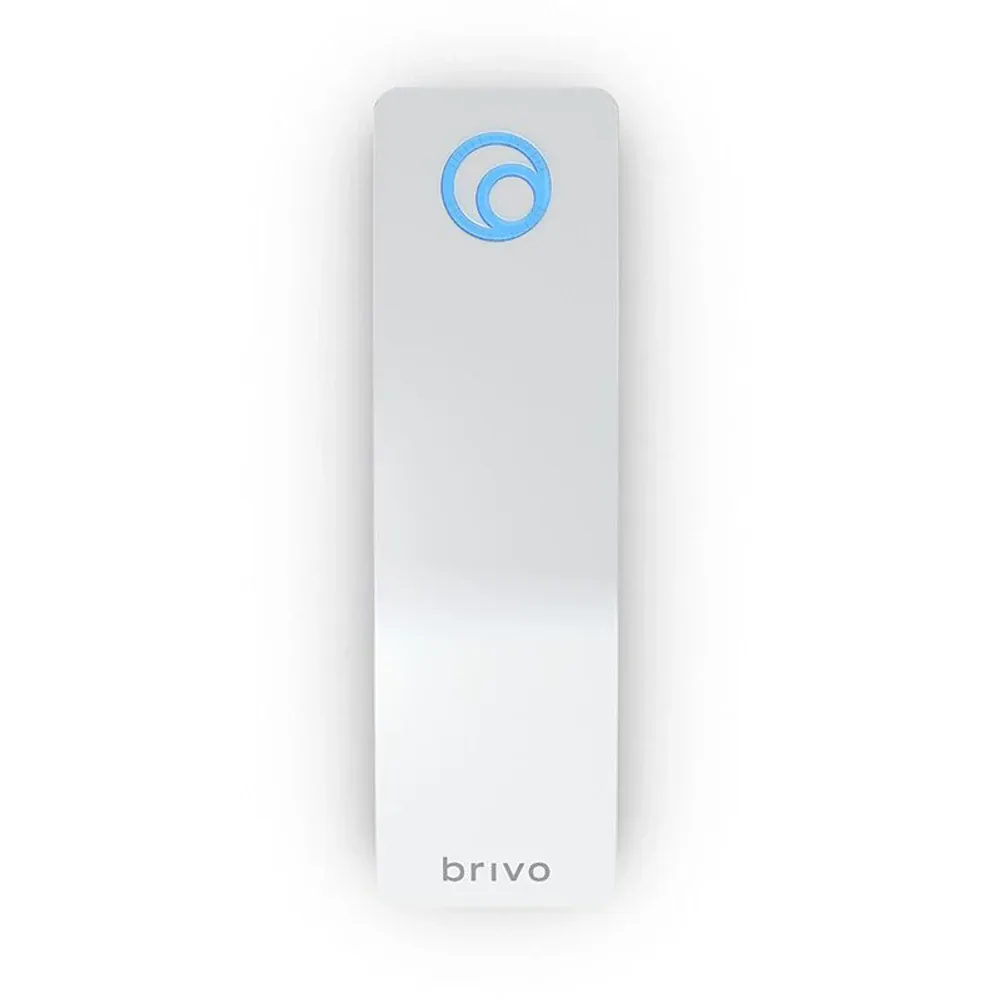
Mullion (narrow, ~1.7" wide)
When it wins:
Glass storefronts (no junction box behind the glass)
Elevator panels (limited surface area)
Aluminum mullion doors (narrow frame profile)
Anywhere the frame is too narrow for Single-Gang
Trade-offs:
Less visible on a wall — users sometimes miss it
Smaller tap target zone
No keypad version (not enough physical width)
Models: B-BSMF (Dual-Tech), B-BSPMF (Tri-Tech)
Single-Gang (wider, ~3" wide)
When it wins:
Most commercial doors (covers a standard single-gang junction box neatly)
High-traffic doors — visibly more prominent, easier to find
Anywhere users sometimes fumble for the reader location
Doors that need 2-factor (PIN keypad only fits Single-Gang)
Trade-offs:
Won't fit narrow frames or glass mullions
Slightly more visually prominent (matters less in commercial than residential entries)
Bottom line: pick Single-Gang by default for standard commercial doors. Switch to Mullion only when the frame physically won't accommodate the wider form, or when the design brief explicitly calls for a slim profile.
Difference #2: With or without keypad
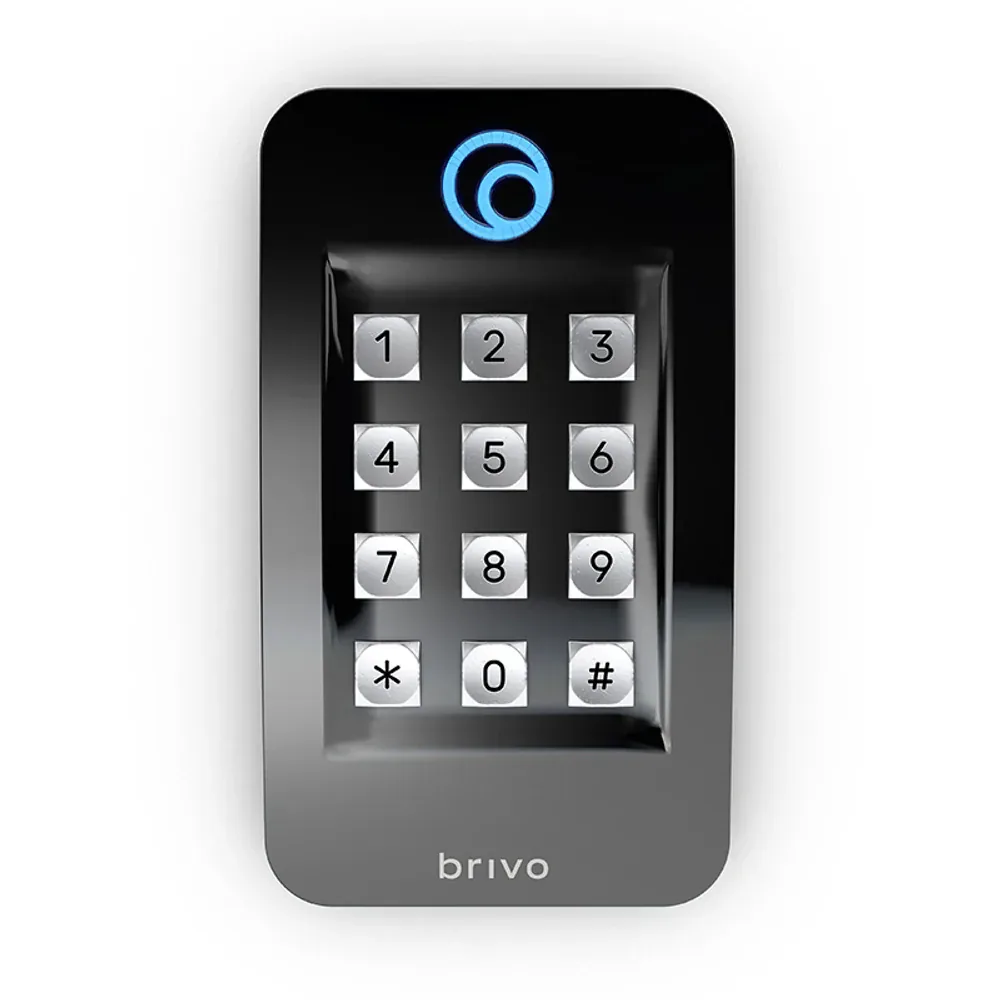
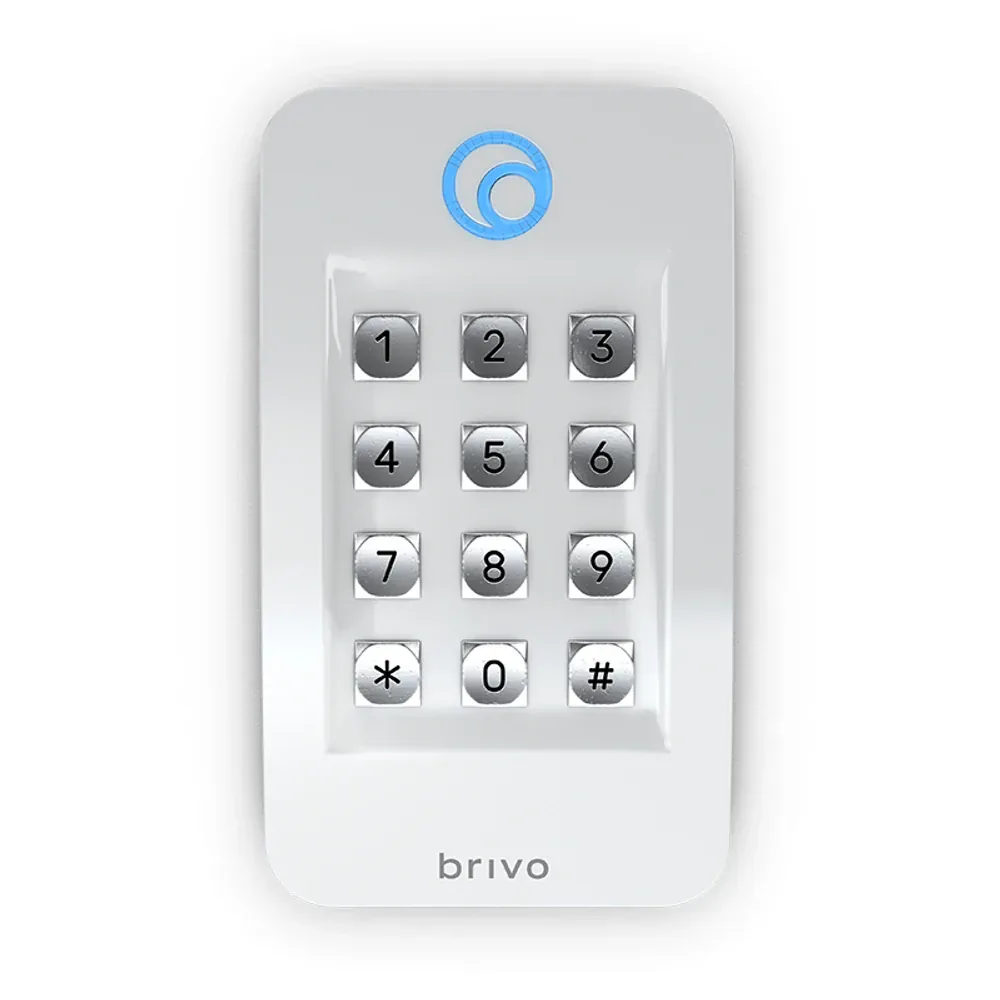
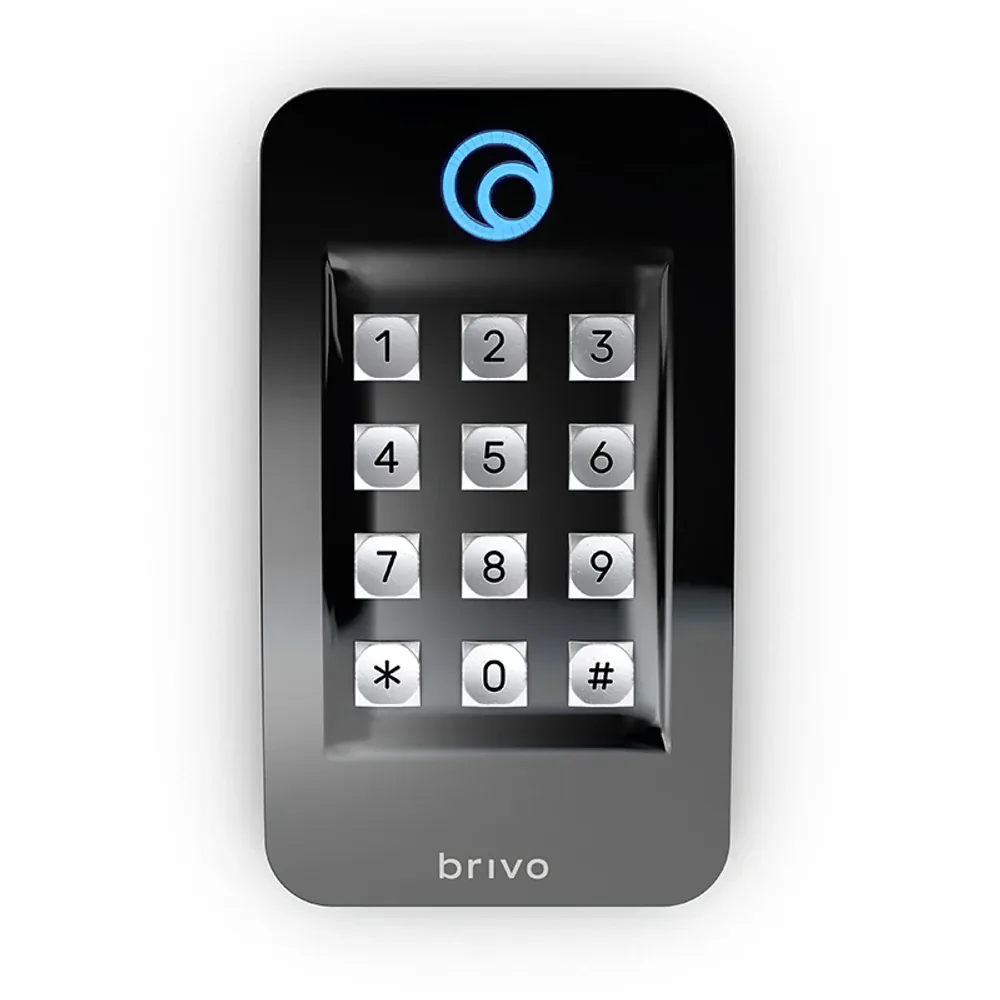
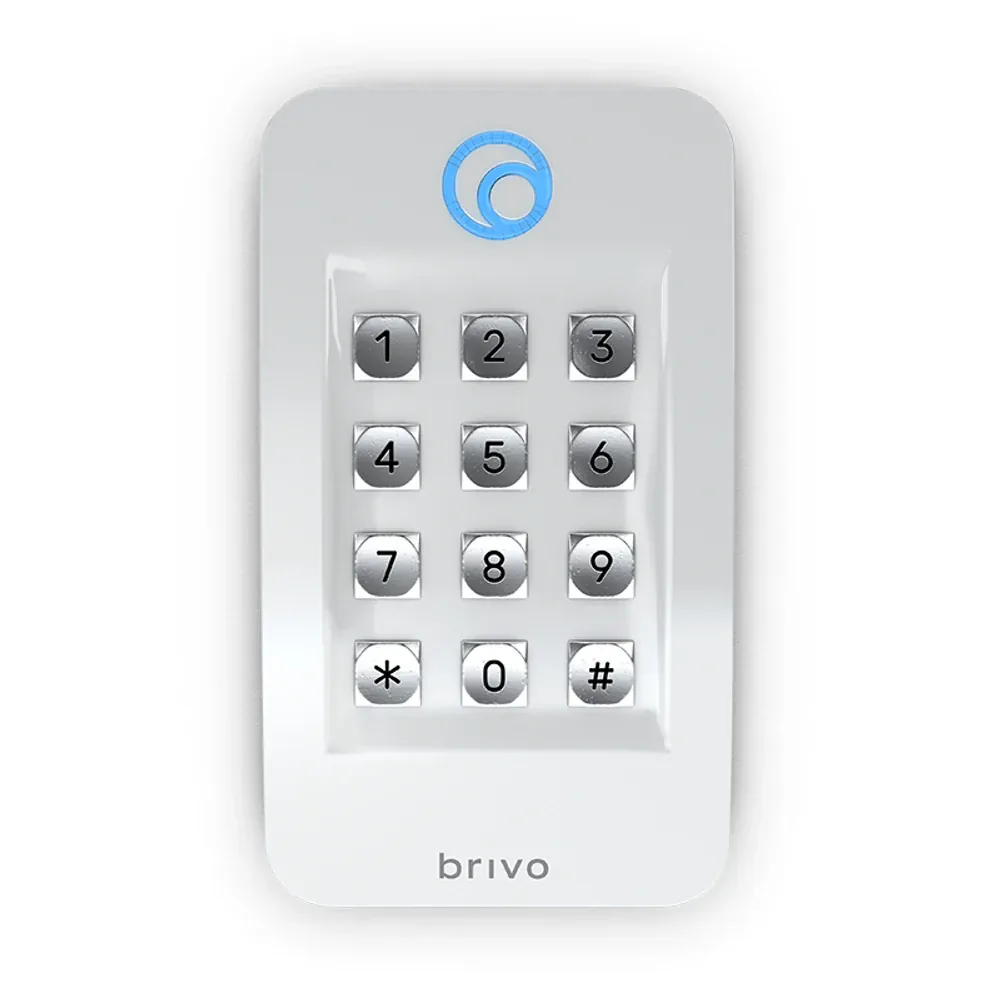
Keypad-equipped models (B-BSKF, B-BSPKF) add an integrated 12-key PIN pad for 2-factor authentication: present card + enter PIN. Card-only swipes deny entry. Used on sensitive doors where credential cloning is a real threat or where the door is regulated to require multiple authentication factors.
Why keypad models come only in Single-Gang: ergonomics, plain and simple. The keys need enough physical spacing for users to hit the right one — including with gloves on, which matters about five months a year around here. The narrower Mullion form factor would force the keys too close together for reliable typing in February, when nobody wants to take their gloves off at an outdoor door. Brivo just doesn't offer a Mullion keypad reader for that reason, and frankly that's the right call.
Where keypad readers belong: banking back-offices, healthcare restricted areas (pharmacy, medication storage, patient records), server rooms, government / federal sensitive-area doors, executive offices in regulated industries, and any door covered by a corporate or industry-specific 2-factor authentication policy.
Difference #3: Dual-Tech vs Tri-Tech (Prox migration)
Every Brivo reader supports Brivo Mobile Pass + 13.56 MHz smart cards + B-SF KeyFobs — that's the "Dual-Tech" baseline (mobile + smart-card credentials are counted as one tier). The three Tri-Tech models add a third credential tier: legacy 125 kHz HID Prox card support.
Why Tri-Tech matters during migrations: if you're moving an existing building from HID Prox to Brivo cloud, the entire resident / staff credential pool can't be replaced overnight. With Tri-Tech readers, the existing 125 kHz Prox fobs keep working while you enroll residents into Brivo Mobile Pass and issue Brivo encrypted smart cards to the rest. Run them in parallel for 6–18 months. As the Prox credential pool empties (residents move out, fobs get lost / returned), drop the Prox feature reader-by-reader.
Should residents keep their old fobs forever? Short term, yes — that's the whole point of Tri-Tech, zero disruption to existing users. Long term, no — we always recommend issuing every active resident a Brivo Mobile Pass credential and reserving Brivo's encrypted Brivo smart cards / B-SF KeyFobs for residents who genuinely can't or won't use phones. Brivo's own credentials are encrypted end-to-end. Legacy 125 kHz Prox cards are not — they're trivially clip-and-clone-able with $30 of hardware off Amazon. The Tri-Tech reader is the on-ramp, not the destination.
When to skip Tri-Tech: greenfield installs (new construction, never had Prox), buildings whose existing access is from a different non-Prox standard, or full credential reissues where the migration plan is to replace every fob on day one. In those cases the standard Dual-Tech reader saves cost and keeps the credential stack simpler.
Difference #4: Color — black or white
Every Brivo reader ships in matte black OR matte white. Functionally identical, purely architectural choice.
Matte black dominates in modern commercial construction — office buildings, dark wood-framed doors, charcoal aluminum mullions, contemporary lobbies. Matte white fits healthcare facilities, light-architecture condos, white storefronts, and traditional building interiors where black readers would look stark against the door finish. Pick whichever matches the frame the reader is mounting against.
Mix-and-match across one building is fine — outdoor entrances in black, indoor amenity-floor readers in white, for example. Just keep the rule consistent (e.g., "all outdoor = black, all indoor = white") so future installs don't drift.
Brivo readers vs HID Signo on a Brivo controller
Brivo's controllers speak both OSDP and Wiegand, so they're not locked to Brivo's own readers. We see two common cross-vendor scenarios in Chicago projects.
Third-party readers on a Brivo system — works fine
HID Signo readers are the most common third-party choice on Brivo controllers — we install HID Signo 20 (mullion) and HID Signo 40 (single-gang) on Brivo systems for customers who prefer HID's industrial design or already have HID Signo standardized across other buildings in their portfolio. The reader speaks OSDP back to the Brivo controller, the controller doesn't care it's not a Brivo-branded device. Trade-off: you lose Brivo's logo-indicator status display, and a few platform-specific Brivo features like in-app reader health monitoring and remote Mobile Pass provisioning don't apply (those are Brivo-reader specific). Core read functionality is identical.
Brivo readers on a third-party system — technically possible, practically harder
Brivo readers speak standard OSDP, so any OSDP-capable third-party access controller can read credentials from them. But deeper reader configuration — LED indicator behavior, tamper logic, beep patterns, advanced Bluetooth Mobile Pass provisioning, the Brivo logo indicator state machine — all lives inside the Brivo cloud platform. Outside the Brivo ecosystem you only get the bare read function. Verdict: if your access platform isn't Brivo, don't pick Brivo readers. Pick HID Signo instead — HID exposes the full reader feature set via on-reader configuration cards and the HID Reader Manager mobile app regardless of which controller / cloud platform you're on. That's why HID Signo dominates as the "neutral" multi-platform reader of choice.
Dual-Tech Smart Readers — full lineup
Mobile Pass + smart card + KeyFob. The default tier for greenfield installs.
Mullion
Brivo B-BSMF
Narrow-frame reader for glass mullions, elevator panels, aluminum storefronts, and tight door frames. Mobile Pass + 13.56 MHz smart card + B-SF KeyFob.
Standard single-gang reader. Covers the junction box, more visible to users — easier to find the reader, easier to find the right spot to tap. The default Brivo reader for most commercial doors.
Single-gang with integrated PIN keypad. Required for 2-factor (card + PIN) doors — banking back-offices, healthcare restricted areas, server rooms. Keypad only comes in Single-Gang for ergonomics.
Same as Dual-Tech, plus 125 kHz HID Prox for keeping existing fobs alive during phased migration. Drop the Prox feature reader-by-reader as the legacy pool empties.
Mullion · Tri-Tech
Brivo B-BSPMF
Mullion form factor with added 125 kHz HID Prox support. For phased credential migrations on narrow door frames where existing Prox fobs need to stay in circulation.
Single-gang tri-tech — the workhorse migration reader. Mobile Pass + smart card + legacy 125 kHz HID Prox in one device. The standard upgrade path from HID Prox to Brivo cloud.
The most-capable reader in the entire Brivo lineup. Tri-tech (Mobile + smart card + Prox) PLUS integrated PIN keypad. For sensitive 2-factor doors during phased Prox-to-Brivo migration.
Around Chicago, HOA boards keep landing on Brivo for a couple of reasons that don't get talked about much in the brochures. The biggest one: there's no server in the basement to babysit. The whole platform runs in Brivo's own cloud — no Windows box humming next to the boiler, no Linux server somebody has to remote into when it stops responding, no maintenance contract just to keep the access system alive. Board members got more important things to do than reboot a server at 2 AM because a resident locked themselves out (and trust me, somebody always does, usually the night of a Bulls game when traffic is already a mess).
The second reason is reliability. Brivo cloud has been running for over a decade with extremely tight uptime, and the readers themselves are built like tanks — OSDP v2 protocol, tamper switch, IP65 weatherproof, survives lake-effect winters without flinching. We've put these in buildings up and down the North Shore, in vintage walk-ups in Lakeview, in mid-rises on the Gold Coast, in 50-story towers downtown — and the failure rate is, frankly, embarrassingly low. The Cubs might rebuild every five years, but a Brivo install doesn't.
Third — and this one matters for boards with rotating membership — nothing is locked to one IT person. The system is administered through the Brivo web portal and mobile app. Any board member with the credentials can add or remove residents, check access logs, change schedules. New treasurer takes over next year? They log in and they're up to speed in fifteen minutes. No "but only Bob knows how to configure the server" problem. Which, honestly, is half the reason boards finally agree to replace their old standalone systems.
Vidimost has installed Brivo in dozens of Chicago HOA and condo buildings across the past several years — from small 8-unit walk-ups in Old Town to 200-unit high-rises in Streeterville. We come out to board meetings, present the system in plain English, hand over the full documentation package, and stay on the phone when there's something to figure out. Free site walkthrough for any Chicago condo or HOA — no contract, no pressure.

Brivo + ControlID windshield tags — the modern Chicago garage stack
Here's a combination that's been running away with the Chicago condo market the last 2-3 years: Brivo cloud for the building, ControlID UHF readers + windshield tags for the garage. We're installing this stack in pretty much every new mid-rise and high-rise project we touch, and retrofitting it into older buildings whenever the board approves an access upgrade.
The setup: ControlID iDUHF reader mounted at the garage entrance, paired with ControlID PET-UHF windshield tags stuck once inside each resident's car. As the car rolls up to the gate, the reader picks the tag from a few feet out — gate opens automatically, no rolling down the window, no fumbling for a fob, no holding up the line behind you. Permissions sync from Brivo cloud (same database as the building's residents), so when somebody moves out their tag stops working the same minute their unit lease ends.
Why this matters in Chicago specifically: February. -10°F with the windchill, gloves on, snow blowing sideways, you're driving home from a Bulls game and the last thing you want to do is roll down the window and dig a fob out of your coat pocket. ControlID tag stuck on the windshield once when it gets installed — gate just opens. By the time you're thinking about whether to swing by Portillo's for a beef on the way home, you're already pulling into your spot.
Beyond the gate, we typically pair this with license-plate-recognition cameras at the same entrance — every vehicle entry and exit gets logged with a plate read alongside the credential read. Useful for parking enforcement, package-delivery vehicle tracking, and the "somebody hit my car in the garage at 3 AM and drove off" investigation that every condo property manager handles a few times a year.
If you're spec'ing a new garage or upgrading an old one in Chicago:
The Brivo + ControlID combination is what we recommend by default now. Same access platform across the building entries AND the garage gate, residents enrolled once, one set of credentials per person, full audit log in the Brivo portal. Walk us through your garage and we'll spec the right reader-and-tag count for your tenant population.
Frequently asked questions
How many readers does Brivo make?
Exactly 12 — but it's really 6 models × 2 color variants. The 6 models break down as: 3 Dual-Tech (Mobile Pass + smart card + KeyFob) and 3 Tri-Tech (same plus legacy 125 kHz HID Prox). Within each tier you get Mullion, Single-Gang, and Single-Gang + Keypad. Each available in matte black or matte white.
Mullion or Single-Gang — which form factor?
Mullion (narrow, ~1.7 inches wide): better for glass storefronts, elevator panels, aluminum mullion doors, and any frame without a standard junction box behind it. Usually looks cleaner — slim profile sits flush against the frame. Single-Gang (wider, ~3 inches): better when there's a standard single-gang junction box behind the reader (covers it neatly), and visibly more prominent — users find the reader faster and tap in the right spot. For most commercial doors, Single-Gang is the right call.
Why don't keypad readers come in Mullion?
Ergonomics. The keypad needs enough physical width for users to hit the right key without misreads — a narrow mullion form factor would force the keys too close together, especially with gloves on (relevant 5 months a year in Chicago). Brivo only offers the keypad in the wider Single-Gang form factor for that reason.
What's Dual-Tech vs Tri-Tech?
Dual-Tech: Brivo Mobile Pass (Bluetooth + NFC) + encrypted Brivo 13.56 MHz smart cards + Brivo B-SF KeyFobs. The right pick for greenfield installs and any property without existing HID Prox cards. Tri-Tech: same as Dual-Tech, plus legacy 125 kHz HID Prox card support. Pick Tri-Tech when you have existing HID Prox fobs already in circulation and need to keep them working while migrating to Brivo Mobile Pass + smart cards. Run them in parallel during the migration, then drop Prox reader-by-reader as the legacy credential pool empties.
Should residents keep using their old 125 kHz Prox fobs?
Short-term, yes — that's exactly what Tri-Tech readers are for. Existing residents keep their old fobs and nothing changes for them. Long-term, no — we recommend issuing every resident a Brivo Mobile Pass credential (their phone) and reserving Brivo's encrypted 13.56 MHz smart cards / B-SF KeyFobs for residents who can't or won't use phones. Original Brivo credentials are encrypted end-to-end (OSDP Secure Channel) and resistant to the clip-and-clone attacks that affect cheap 125 kHz Prox cards.
What does every Brivo reader have in common?
OSDP v2 with Secure Channel encryption (all readers — no clear-text Wiegand traffic), Bluetooth + NFC for Brivo Mobile Pass (phone-as-key), 13.56 MHz smart card support (Brivo B-SC, B-SCP), B-SF KeyFob support, Brivo logo indicator LED (the Brivo logo lights up on the front face to show power state, read events, and access status), tamper switch, IP65 weatherproof rating, and PoE or 8–24 VDC power input.
Can I use a third-party reader with my Brivo system?
Yes — Brivo controllers speak both OSDP and Wiegand, so most modern access readers will work. We commonly install HID Signo readers (HID Signo 20, HID Signo 40 lineup) on Brivo controllers when the customer prefers HID's industrial design or already has HID Signo standardized across other buildings in the portfolio. Note: with a third-party reader you lose Brivo's logo indicator and some platform-specific features, but core read functionality is unaffected.
Can I use a Brivo reader with a third-party access controller?
Technically yes, practically harder. Brivo readers speak standard OSDP so any OSDP-capable controller can read credentials from them. But deeper reader configuration (LED indicator behavior, tamper logic, beep patterns, advanced Bluetooth provisioning) lives inside the Brivo cloud platform — without it you only get the bare read function. For mixed deployments where you want a brand-agnostic credential platform, HID Signo is the better pick — HID exposes the full reader feature set via on-reader configuration cards and HID Reader Manager regardless of which controller / platform you're on.
Do you install Brivo readers in Chicago?
Yes. Vidimost is a certified Brivo installer covering Chicago and the surrounding suburbs — North Shore (Winnetka, Wilmette, Glencoe, Northbrook, Highland Park, Evanston), Northwest suburbs (Schaumburg, Arlington Heights, Palatine, Park Ridge, Elk Grove Village), West suburbs (Oak Brook, Naperville, Downers Grove), and South suburbs. Free site walkthrough and written quote.
Planning a Brivo install in Chicago?
Free site walkthrough — we'll spec the right reader per door, factor in any existing Prox credentials, plus the garage gate setup if you've got one. Fixed-price written quote, no contract, no pressure. Dozens of Chicago HOA + condo installs behind us — North Shore, downtown, Northwest suburbs, the whole metro.